
- Регистрация
- 25.08.2011
- Сообщения
- 1 074
- Реакции
- 1 332
- Баллы
- 113
Hello, everyone.
I'm sharing a template on the suggested topic:
"Creating a video for YouTube from your own photos with various transitions, voice-over, and evenly timed frame display based on the length of the audio track."
To work with the template, you need to place your photos in .jpg format in the /images folder.
In the /audio folder, place the file text.mp3.
After launching the template, it resizes the photos to a uniform size, renames them, applies effects and text, calculates how long each image should be displayed based on the audio file's length, then stitches the images into a video matching the audio's length and merges the audio and video together.
FFMPEG is used for video generation (https://ffmpeg.org/download.html#build-windows, add in the project Directory).
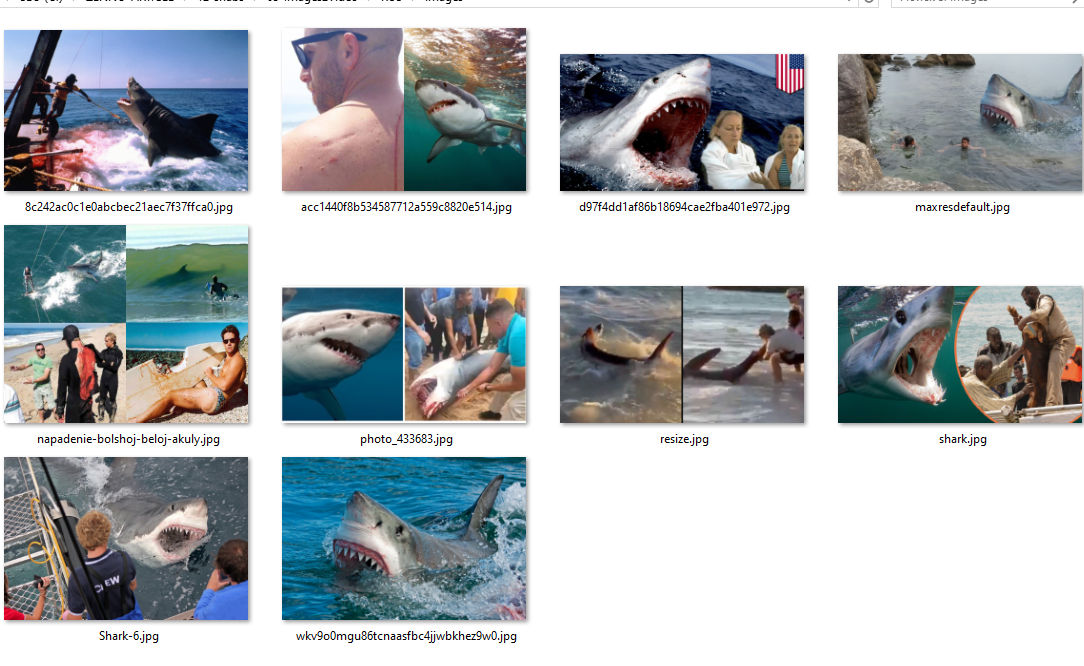
Original image files:
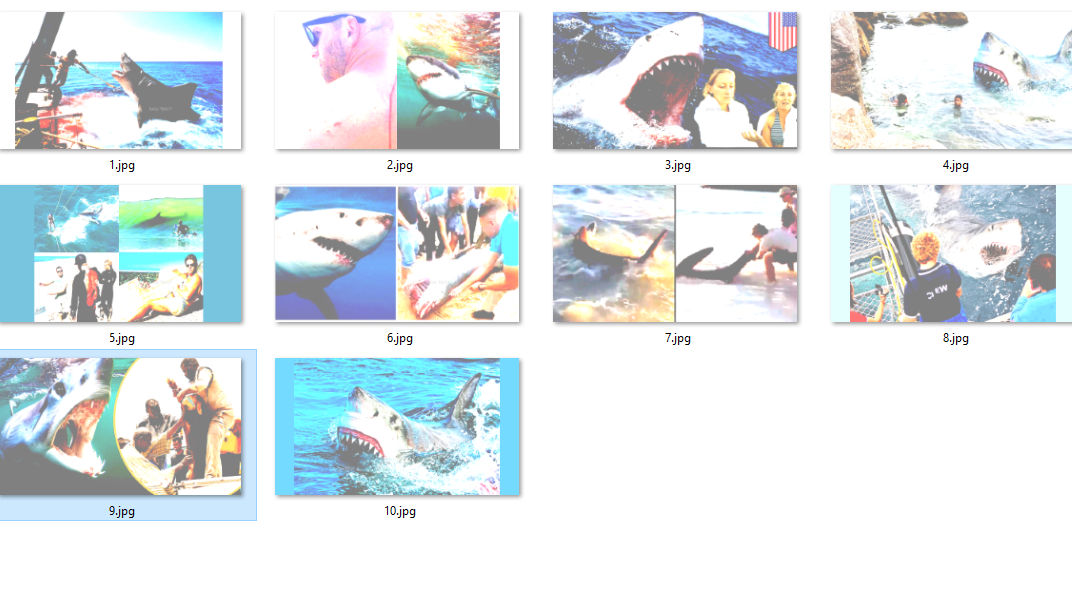
Processed images:
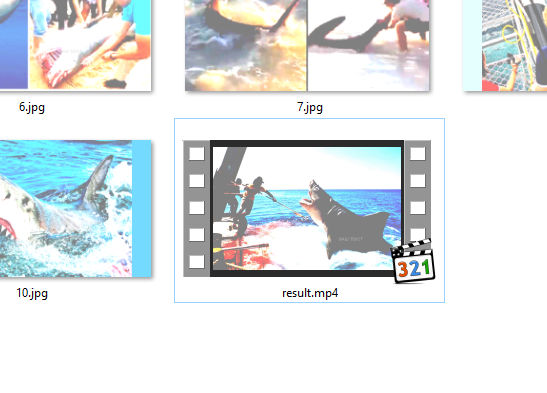
Video from images:
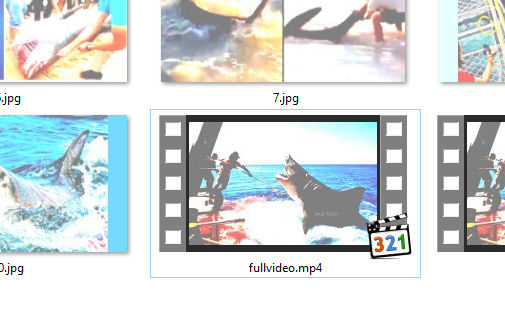
Video with sound:
The following libraries need to be downloaded from nuget.org and installed in the GAC:
using Microsoft.WindowsAPICodePack;
using Microsoft.VisualBasic.FileIO;
using ImageProcessor;
using System.Speech;
using Microsoft.Office.Core;
There are no input settings.
I am attaching files for reference - images before processing, images after processing, video from images without sound, video with sound, and audio for the voice-over.
Happy generating!
I'm sharing a template on the suggested topic:
"Creating a video for YouTube from your own photos with various transitions, voice-over, and evenly timed frame display based on the length of the audio track."
To work with the template, you need to place your photos in .jpg format in the /images folder.
In the /audio folder, place the file text.mp3.
After launching the template, it resizes the photos to a uniform size, renames them, applies effects and text, calculates how long each image should be displayed based on the audio file's length, then stitches the images into a video matching the audio's length and merges the audio and video together.
FFMPEG is used for video generation (https://ffmpeg.org/download.html#build-windows, add in the project Directory).
Original image files:
Processed images:
Video from images:
Video with sound:
The following libraries need to be downloaded from nuget.org and installed in the GAC:
using Microsoft.WindowsAPICodePack;
using Microsoft.VisualBasic.FileIO;
using ImageProcessor;
using System.Speech;
using Microsoft.Office.Core;
There are no input settings.
I am attaching files for reference - images before processing, images after processing, video from images without sound, video with sound, and audio for the voice-over.
Happy generating!


