
- Регистрация
- 09.09.2016
- Сообщения
- 864
- Реакции
- 141
- Баллы
- 43
Building an Android Farm on Real Devices + Video Course + OCR Automation
From your first phone to a scalable Android farm and stable automation on real devices
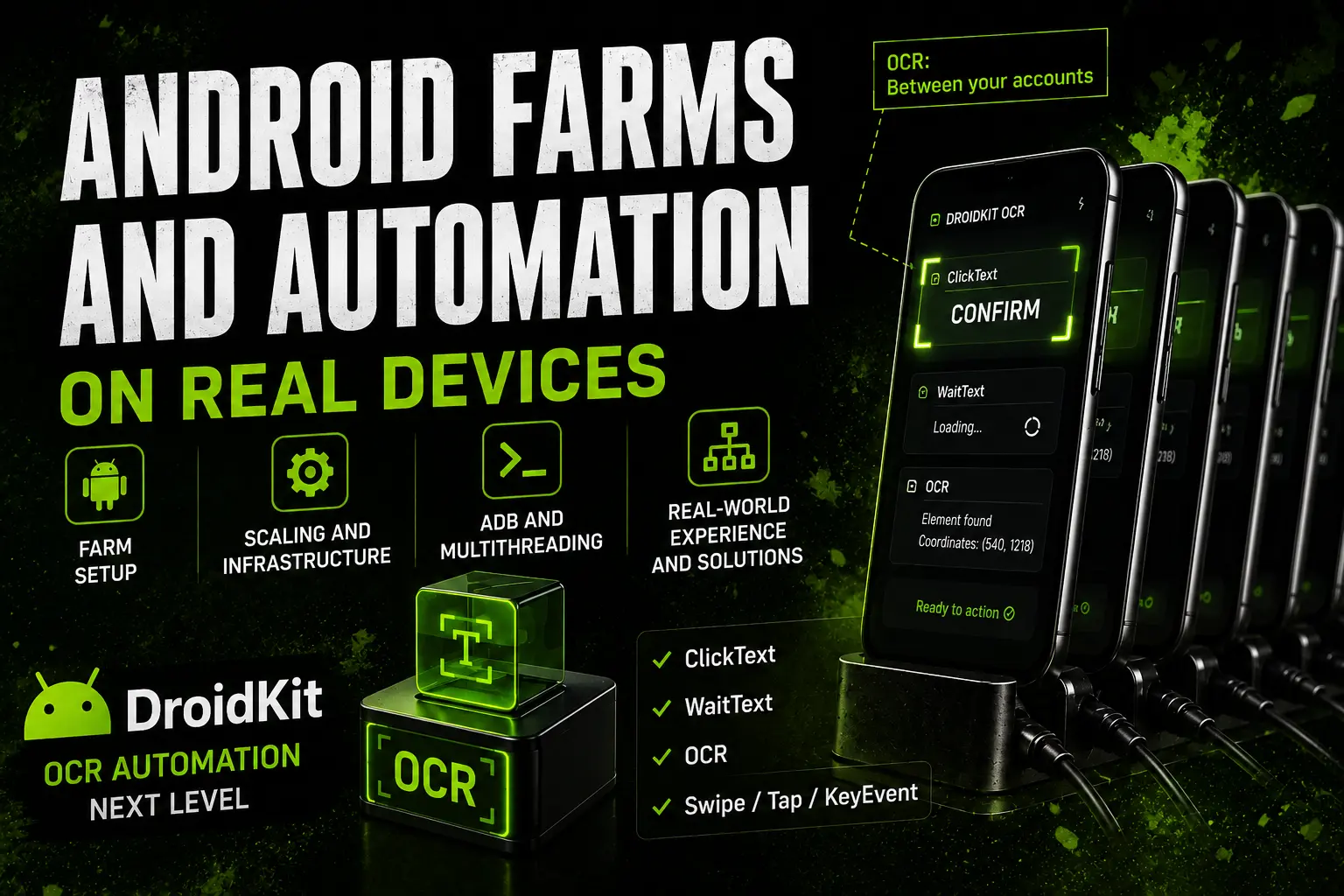
From your first phone to a working Android farm.
Practical course + OCR automation + DroidKit + support.
ACT 1. FARM / INFRASTRUCTURE
From your first phone to a scalable Android farm and stable automation on real devices
From your first phone to a working Android farm.
Practical course + OCR automation + DroidKit + support.
ACT 1. FARM / INFRASTRUCTURE
Most people start working with Android devices in roughly the same way.
First, they buy phones without fully understanding which devices are actually suitable for long-term work.
Then they build automation around coordinates, XML structures, or image matching.
At first everything seems to work.
But once the project starts growing, the real problems begin.
- Automation becomes harder to maintain.
- Coordinates break after interface updates.
- Image matching becomes unreliable.
- Different phone models behave differently.
- The system gradually turns into dozens of exceptions, fixes, and workarounds.
As a result, automation becomes more complicated, less reliable, and much harder to scale.
Sooner or later it becomes obvious:
Working with real Android devices is not a collection of tricks. It is an entire system.
Stability is not created by a single method.
It is created by the correct infrastructure, proper organization, and the right approach from the beginning.
After building Android farms, solving real-world problems, and testing different approaches in practice, I decided to put everything together into one system.
From the physical farm setup to OCR automation and device control through DroidKit.
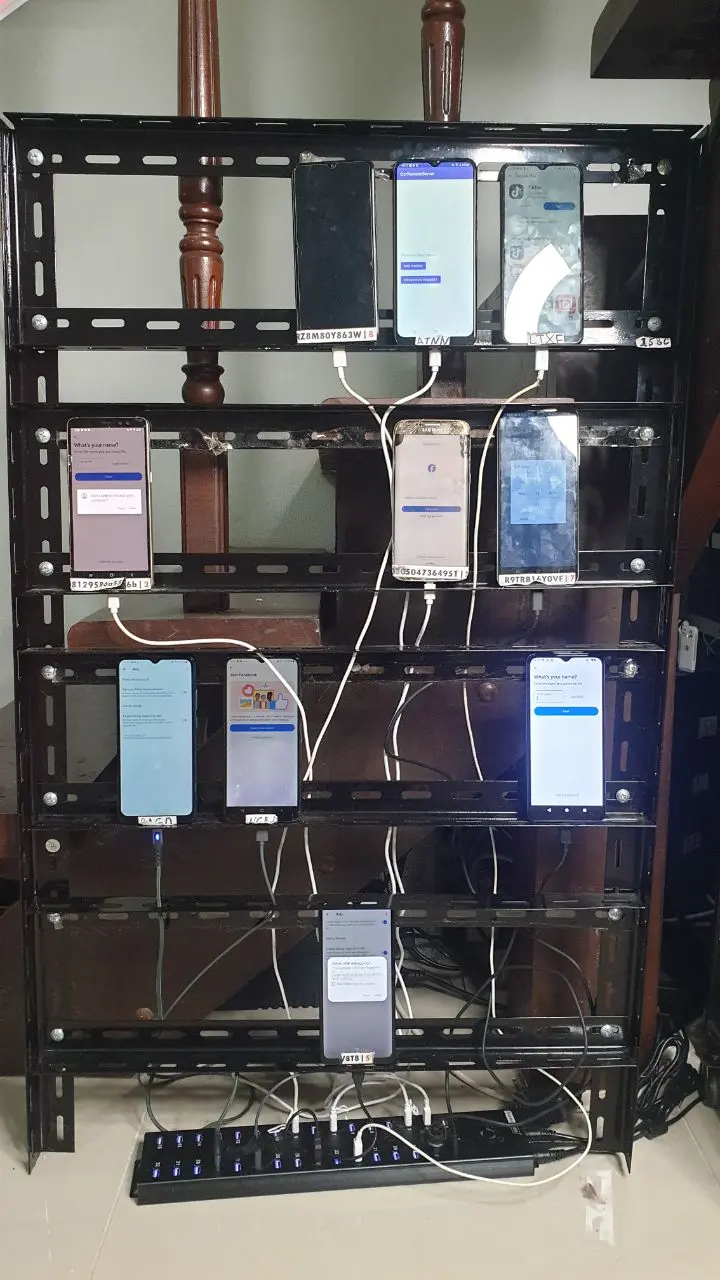
A real Android farm is infrastructure, not just a collection of phones.
USB hubs, power supplies, multithreading, device management, ADB connections, monitoring, scaling, and physical organization eventually become critical parts of the system.
The larger the farm becomes, the more important these details become.
An Android farm is no longer just a set of devices. It is a complete infrastructure.
That is why the first part of the course focuses on building a solid foundation before scalability and stability issues begin to appear.
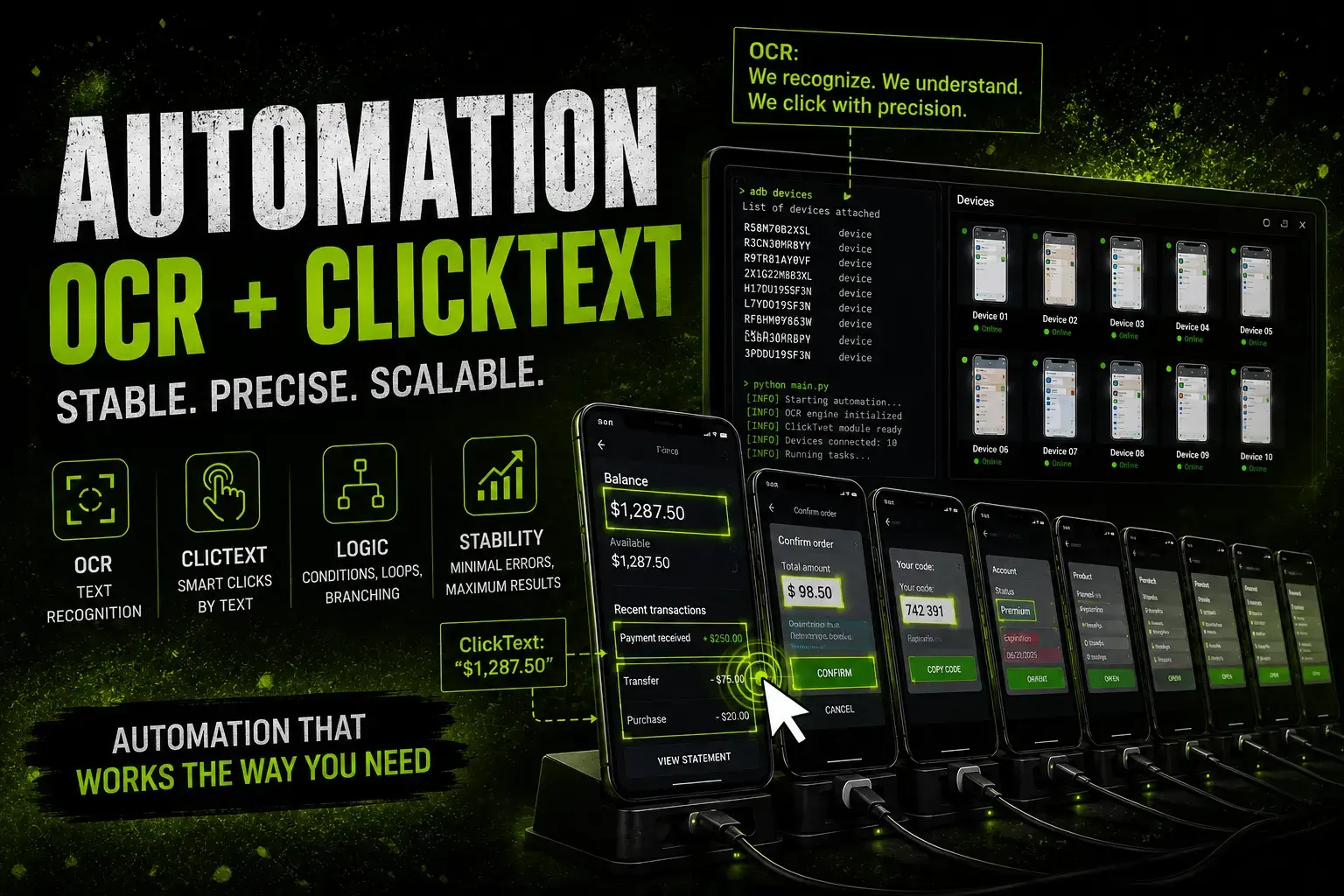
What is covered in the first part of the course
The course covers in detail:
- Choosing Android devices for real-world work.
- ADB setup and device management.
- Multithreading principles.
- USB hubs and power infrastructure.
- Scaling Android farms.
- Root access: when it helps and when it does not.
- Device spoofing and practical limitations.
- Proxy management approaches.
- Real-world maintenance and long-term operation.
- Mistakes that usually appear only after scaling.
Many Android farm problems do not appear during the first week.
Most of them appear later, when everything seems to work and you start scaling.
That is exactly why the course covers not only setup, but also long-term operation and practical experience.
Detailed course structure
0. Quick Start for Beginners
1. How Phone Automation Works
2. Working Through ADB: Device Control and Multithreading
Device Control
Working with Multiple Devices
Multithreading Basics
3. Choosing Android Devices
4. Root Access: Reality vs Myths
5. Proxy Management Methods
6. Scaling the Farm
7. Farm Organization
8. Performance and Limitations
9. Device Spoofing
10. Real-World Operation
11. What Actually Impacts Results
Some lessons are provided as text materials.
- Preparing the phone for work: essential settings.
- ADB setup from scratch.
- Important parameters affecting stability.
- Connecting the phone to the PC.
- USB and Wi-Fi connection methods.
1. How Phone Automation Works
- The general interaction model between PC and phone.
- Core principles behind Android automation.
2. Working Through ADB: Device Control and Multithreading
Device Control
- Getting device IDs.
- Working with specific devices.
- Essential ADB commands.
Working with Multiple Devices
- Why device IDs matter.
- Sending commands to different devices.
- Managing multiple phones simultaneously.
Multithreading Basics
- Why conflicts occur.
- One thread = one device.
- How to avoid unstable behavior.
3. Choosing Android Devices
- Which Android versions are suitable.
- What is worth paying for and what is not.
- How to build a farm cost-effectively.
- Practical selection criteria.
4. Root Access: Reality vs Myths
Important: Root is a tool, not a requirement.
- When root is useful.
- When root creates unnecessary complexity.
- Device spoofing and its real impact.
- Root hiding and practical use cases.
5. Proxy Management Methods
- Application-based proxying.
- System-level proxying with root.
6. Scaling the Farm
- When scaling problems begin.
- Choosing USB hubs.
- Power infrastructure.
- Device monitoring and management.
7. Farm Organization
- Physical placement of devices.
- Managing large numbers of phones.
- Organization principles.
- Practical experience and recommendations.
8. Performance and Limitations
- How many phones one PC can realistically handle.
- Real-world configurations.
- Load distribution.
- Differences between phones and emulators.
9. Device Spoofing
- Different spoofing approaches.
- When it makes sense.
- When it does not help.
- Working with temporary parameters.
10. Real-World Operation
Things people rarely talk about, but that matter in practice.
- How long phones last.
- What breaks.
- How failures affect operations.
11. What Actually Impacts Results
- Common misconceptions.
- What does not improve performance.
- Why people waste time and money.
- How to test ideas correctly.
Some lessons are provided as text materials.
But automation itself is only the next stage.
ACT 2. AUTOMATION
Building the infrastructure is only half of the story.
Sooner or later every Android farm runs into the same problem:
The more devices you have, the more difficult automation becomes.
Most Android automation today is built around:
- coordinates;
- XML structures;
- image matching;
- hardcoded interface elements.
At first these approaches seem simple.
But every interface update creates new problems.
Buttons move.
Layouts change.
Images become different.
Coordinates stop working.
And the larger the project becomes, the more time gets spent maintaining automation instead of actually using it.
The problem is not automation itself.
The problem is dependency on unstable interface elements.
That is exactly why I started looking for a different approach.
An approach focused on what actually matters:
The text visible on the screen.
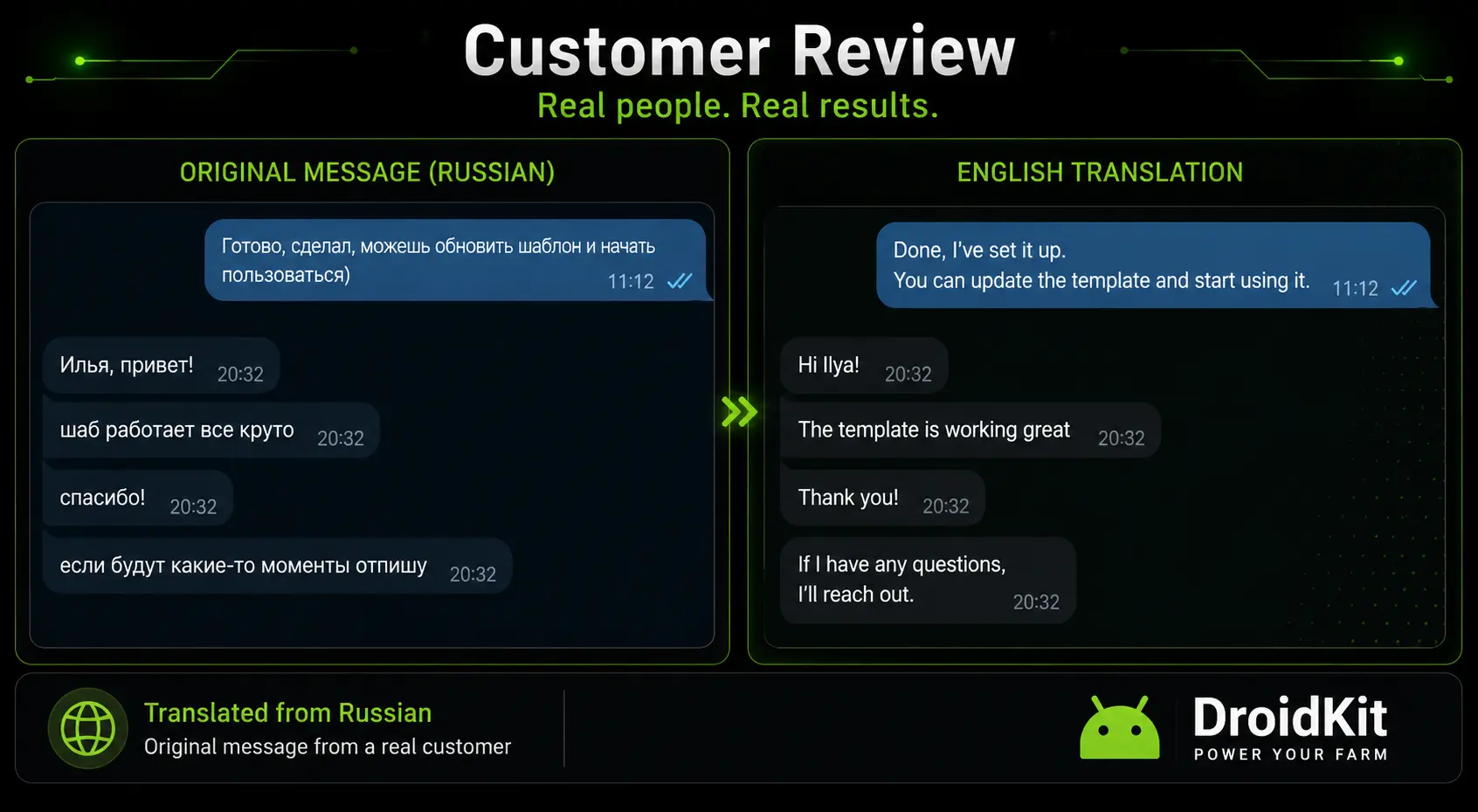
Automation based on screen content instead of coordinates and images
The result of that work became DroidKit.
A system designed specifically for working with real Android devices through OCR.
Instead of searching for images and relying on fixed coordinates, DroidKit allows automation to work with the actual state of the screen.
The system reads visible text, understands what is currently displayed, and performs actions based on that information.
The goal is not to replace every existing method.
The goal is to reduce dependency on methods that break most often.
What DroidKit can do
- OCR text recognition;
- ClickText;
- WaitText;
- FindText;
- screen-state automation;
- device management methods;
- ADB-based interaction;
- automation without image matching;
- automation without coordinate dependency.
One of the most useful methods — ClickText
ClickText allows you to click on text directly.
Instead of searching for an image or calculating coordinates, you simply specify the text you want to interact with.
Examples:
- Click "Continue".
- Click "Next".
- Click "Sign In".
- Click "Allow".
- Click "Create Account".
As long as the text is visible on the screen, the method can find it and interact with it.
This often makes automation more resilient to interface changes compared to coordinate-based approaches.
Instead of saying:
"Click X=742 Y=1284"
you simply say:
"Click the text 'Next'."
Where DroidKit is used
People who worked with Android automation have used these methods in many different areas:
- Facebook automation;
- Telegram automation;
- TikTok automation;
- account registration;
- Android farms;
- mobile applications;
- internal business tools;
- custom automation projects.
Additional reviews and feedback
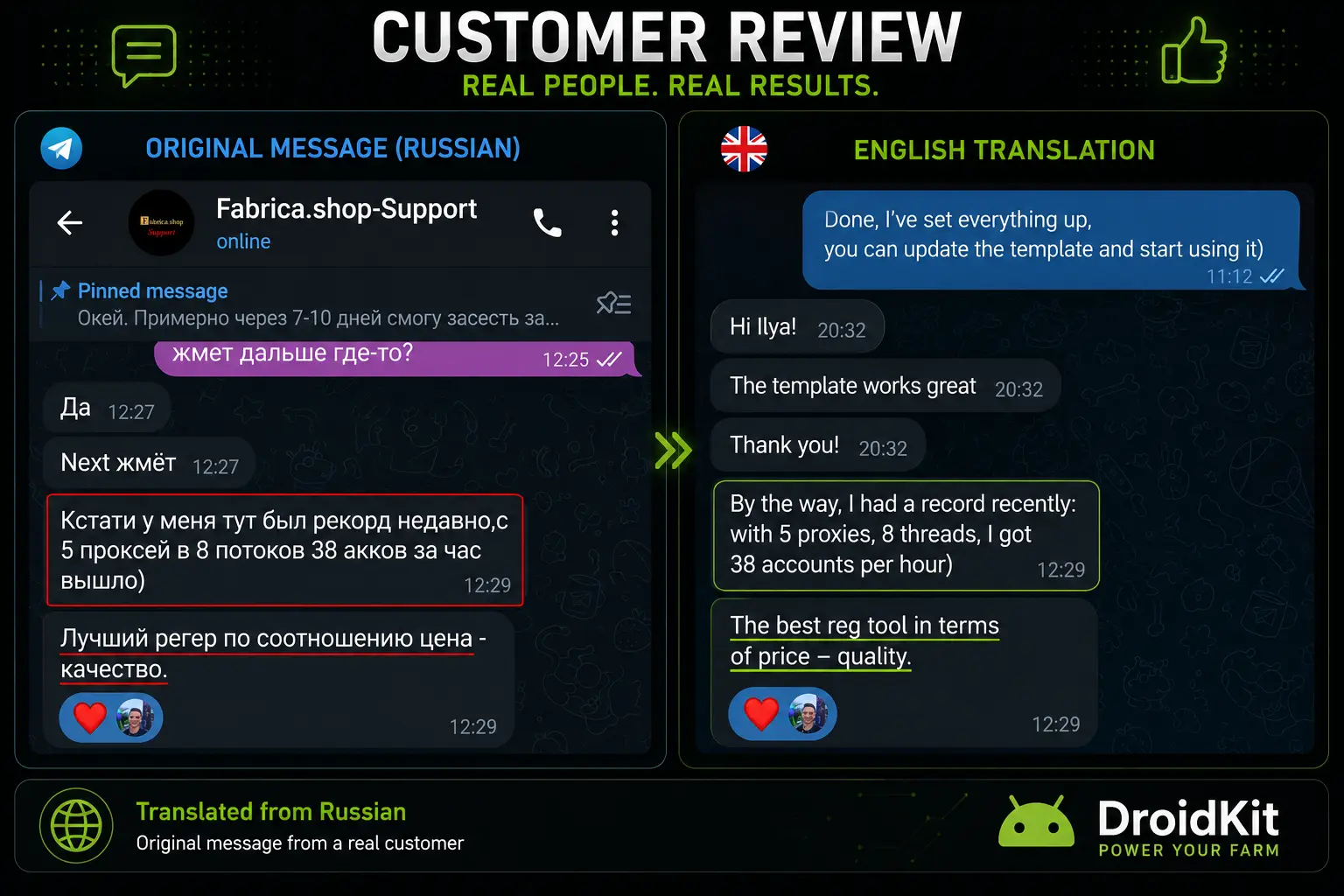
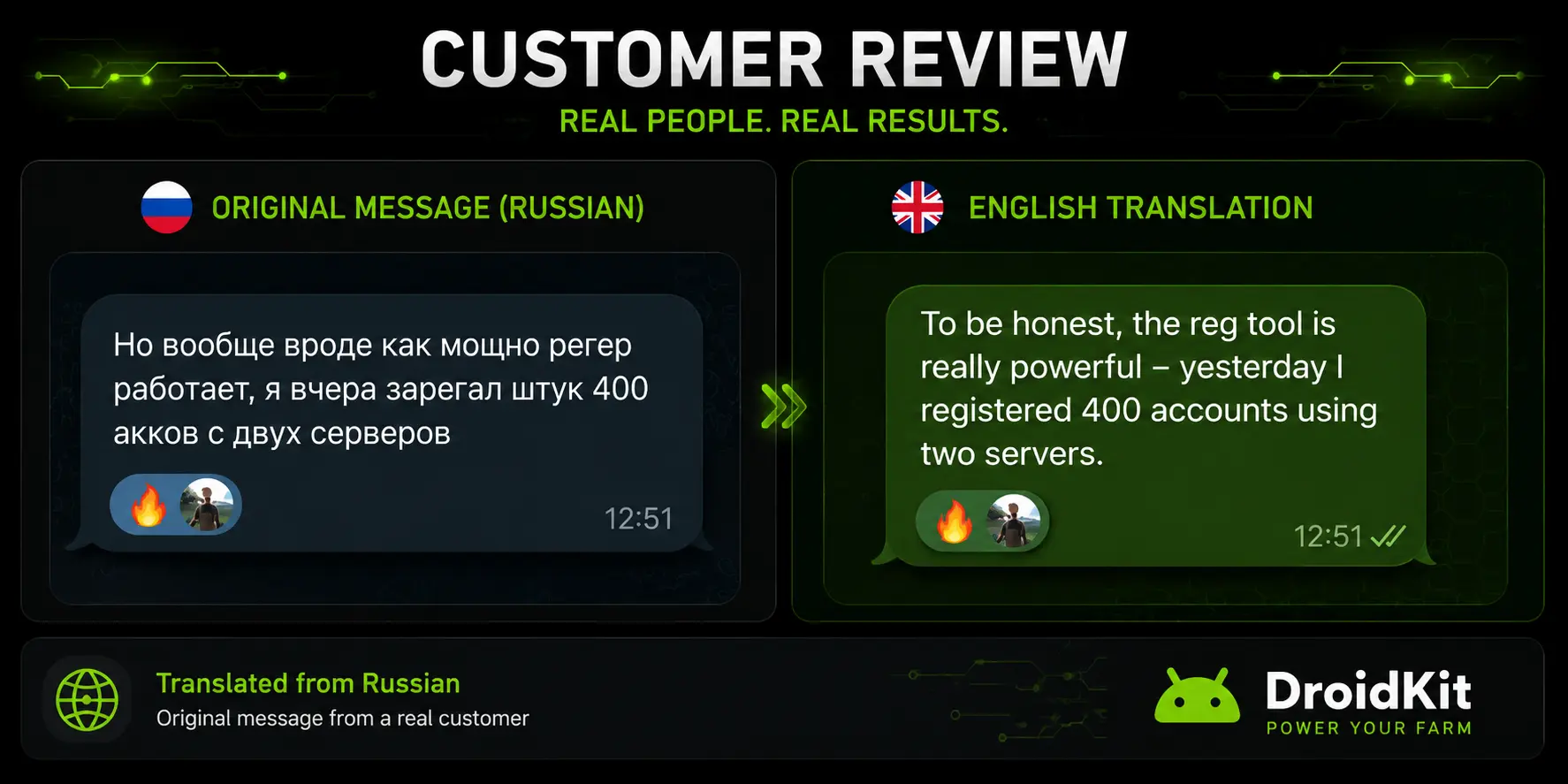
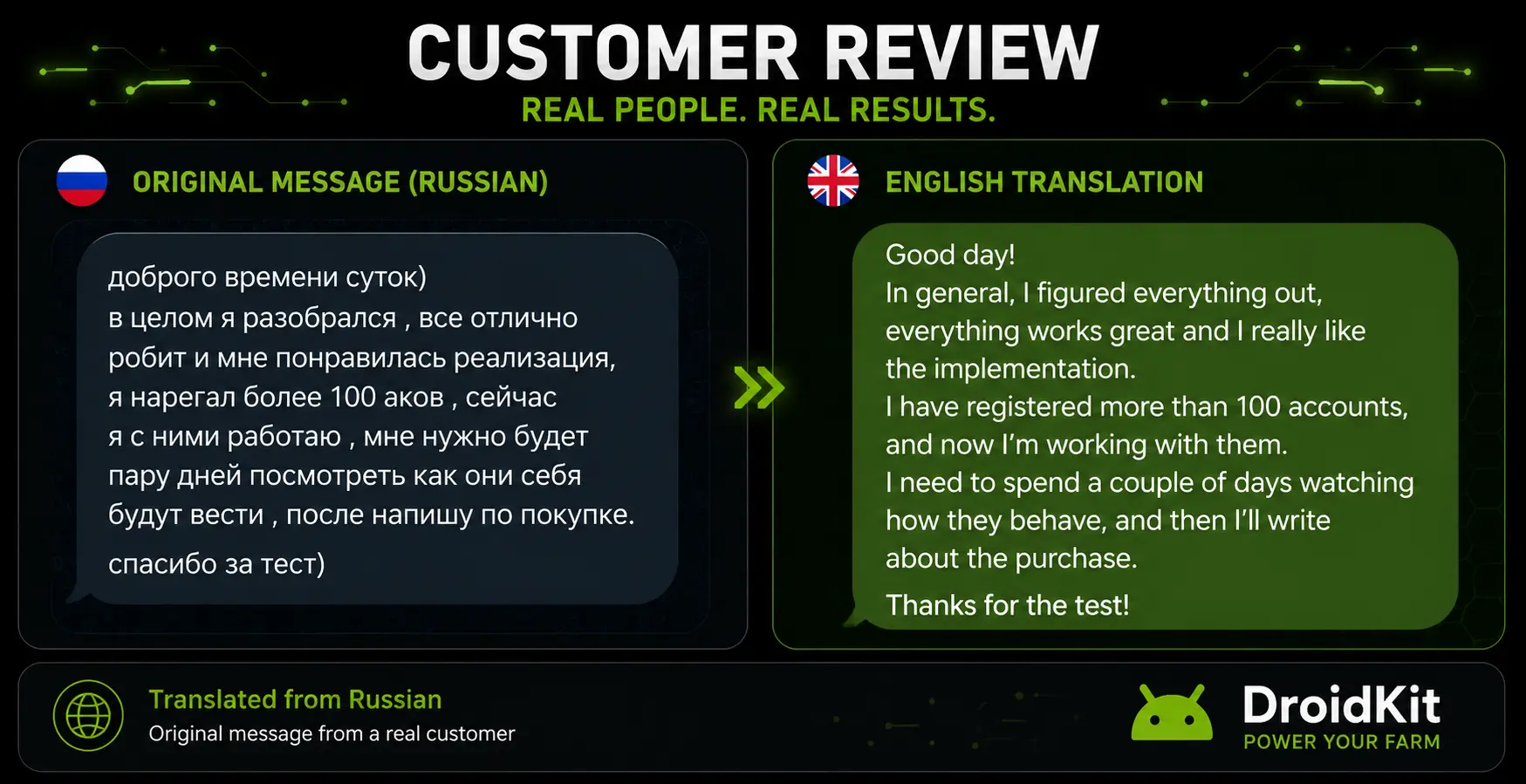
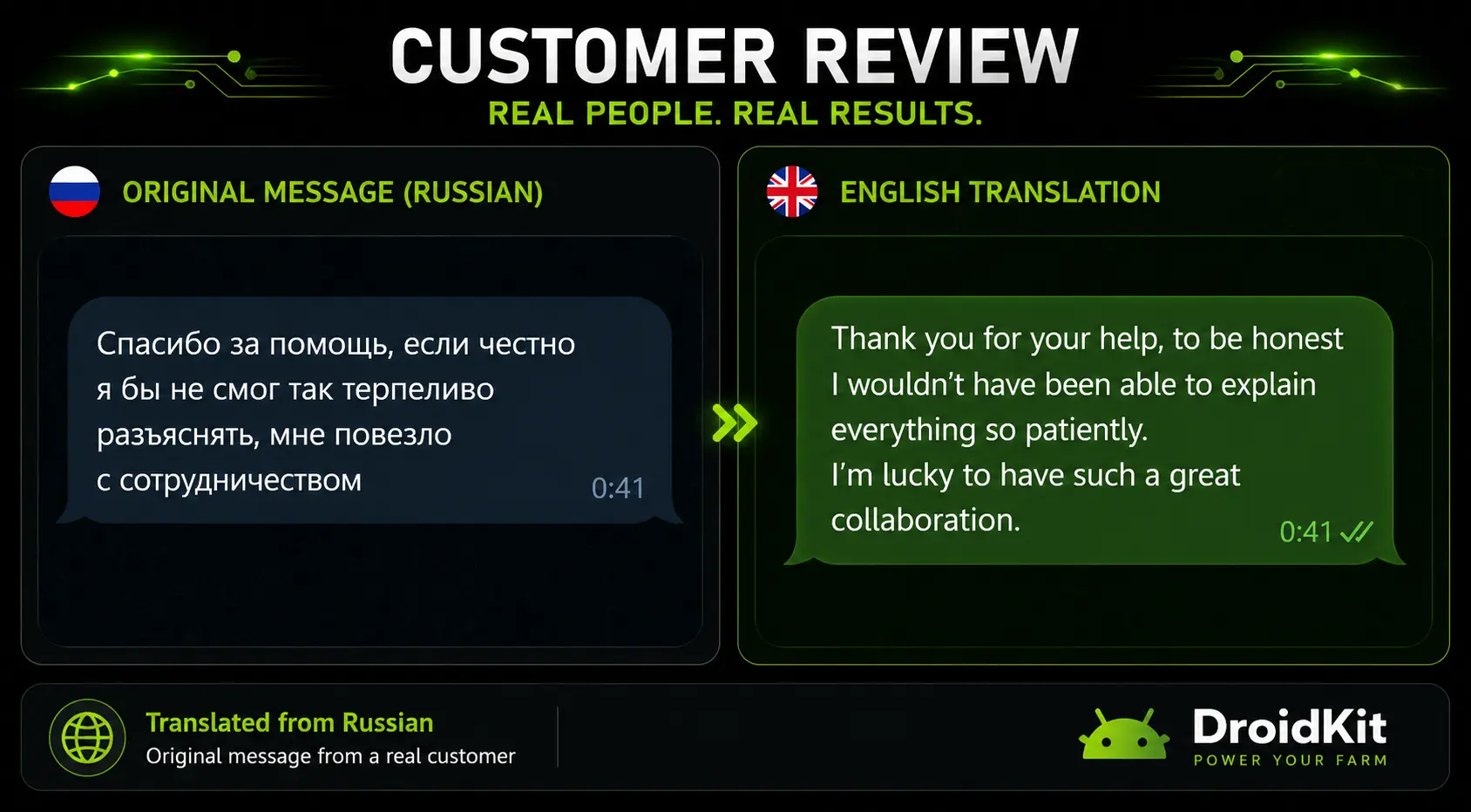
DroidKit was created to make Android automation simpler, more stable, and easier to scale.
Not by adding more complexity —
but by removing unnecessary dependency on coordinates and image matching.
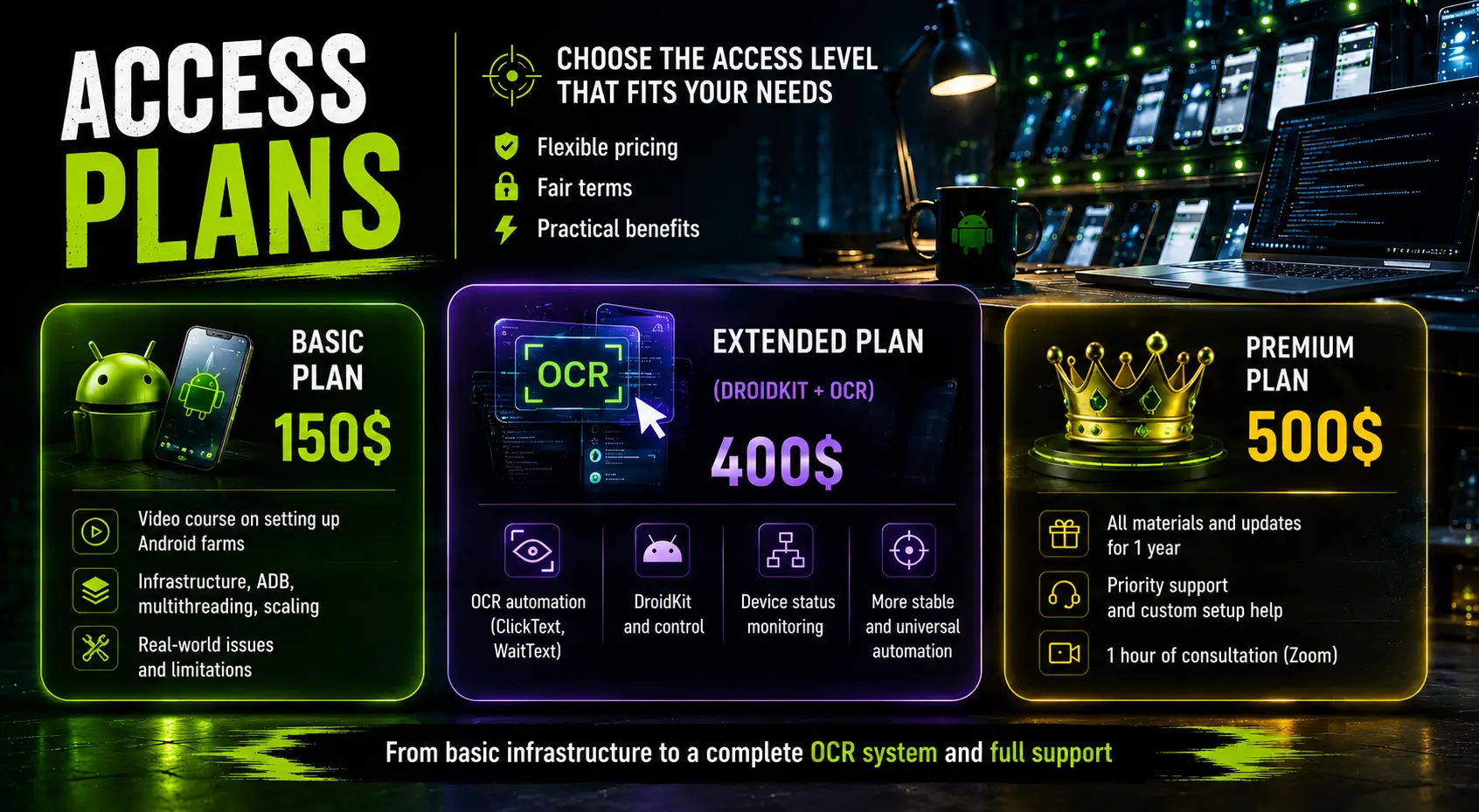
Access Plans
The system is divided into several access levels depending on how deeply you want to dive into Android farms and automation.
Basic Access — 150$
A complete video course focused on building Android farms on real devices.
- device selection;
- farm organization;
- multithreading;
- working through ADB;
- scaling;
- infrastructure;
- real-world problems and limitations.
Suitable for people who want to build a stable Android farm foundation and avoid common mistakes.
Advanced Access (DroidKit + OCR) — 400$
Includes everything from the Basic Access plus:
- OCR automation;
- DroidKit;
- ClickText;
- WaitText;
- screen-state automation;
- device management methods;
- a more flexible approach to Android automation.
Suitable for those who want to reduce dependency on coordinates, image matching, and other fragile automation methods.
Premium — 500$
Maximum level of access.
- everything from previous plans;
- all updates for 1 year;
- new developments and future improvements;
- priority support;
- help with setup;
- 1-hour personal consultation call.
Suitable for those who want long-term support and access to future developments.
DroidKit Trial Access
A trial period is available for those who want to test DroidKit before purchasing.
- full functionality;
- 3 days of access;
- no feature restrictions;
- price — 30$.
This is not a demo version.
This is the full DroidKit experience for a limited period.
The goal of the trial is simple:
Give you enough time to test the system in your own environment before making a decision.
Frequently Asked Questions
What languages does OCR support?
The current focus is on Latin-based languages.
For best results, Android devices should be configured in English.
Can I purchase DroidKit separately?
No.
The Advanced package is not sold as a standalone software license.
DroidKit, OCR automation, and all related materials are included as part of the complete system.
Do I need programming experience?
Not necessarily.
Basic automation knowledge is helpful, but the system was designed to simplify Android automation rather than make it more complicated.
The key concepts and methods are explained throughout the materials.
Do I need root access?
Not always.
The course explains:
- when root is useful;
- when root is unnecessary;
- when root creates more problems than benefits.
Can I use DroidKit with my own software?
Yes.
DroidKit was specifically designed to be integrated into custom solutions and existing automation systems.
Does DroidKit work with ZennoPoster and ZennoDroid?
Yes.
A lightweight C# wrapper is included, allowing you to integrate DroidKit methods directly into your projects.
Are updates included?
Premium includes all updates released during the following year.
Other plans may receive updates as well, but updates are not guaranteed as part of those access levels.
Is DroidKit licensed and protected?
Yes.
DroidKit uses its own licensing system and access verification.
The goal is to support ongoing development while keeping the experience convenient for legitimate users.
What if I already have an Android farm?
Then the materials may be even more valuable.
Many lessons focus on the challenges that appear after scaling rather than during the initial setup.
Final Thoughts
This system was never created as just another course.
The goal was to bring together everything that matters when working with Android devices in practice:
- real-world experience building Android farms on physical devices;
- the actual problems that appear during automation;
- an OCR-based approach that often proves more convenient, more stable, and more scalable than traditional methods;
- tools that make working with Android devices easier and more manageable;
- practical infrastructure knowledge that usually takes months or years to acquire.
The core idea behind the entire system is simple:
Make Android automation more manageable, more stable, and easier to scale.
Whether you are building your first Android setup or already managing dozens of devices, the same principle applies:
The stronger the foundation, the easier it becomes to grow.
That is exactly why this project combines:
- Android farm infrastructure;
- real-device automation;
- OCR-based workflows;
- DroidKit;
- practical experience gained from real projects.
The goal is not to teach theory.
The goal is to help you avoid mistakes, save time, and build systems that continue working as projects grow.
Less routine.
More results.
Full control over your Android automation.
If you have questions, want to discuss your project, or would like to test DroidKit before purchasing, feel free to get in touch.
Последнее редактирование: