
- Регистрация
- 22.01.2019
- Сообщения
- 2 073
- Реакции
- 4 512
- Баллы
- 113
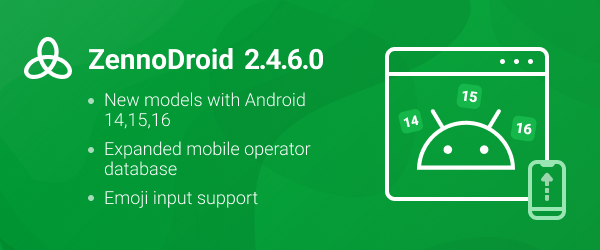
Full changelog 2.4.6.0
Added:
+ When using MEmu emulator, the ability to specify a mobile operator has been unlocked (by default MEmu limits the selection of operators only to those in its built-in database and resets settings when trying to set a third-party operator). Thus, when generating a profile, it is now possible to use data from all operators on the site https://mcc-mnc.com/.
+ Emoji support. The Set value and Keyboard emulation actions now correctly display emojis and support their input.
+ The mobile operators database has been updated, now all operators listed on the site https://mcc-mnc.com/ are used when generating data.
+ The mobile devices database has been updated. Models with Android 14, 15 and 16 (Google, Samsung, Motorola ) have been added.
+ The Image search and Pixel search actions now support specifying the wait time before search.
+ When launching a device in ProjectMaker, information about the current device connection stage has been added. This allows you to better understand at which stage the problem occurred in case of long loading.
+ Clash has been updated to version 1.19.15. To enable automatic update, you need to remove the current version first. Help.
+ Appium Settings has been updated to version 6.0.8. To enable automatic update, remove the installed version (io.appium.settings).
+ ScrCpy has been updated to version 3.3.3.
+ UIAutomator2 has been updated to version 8.1.2.
+ ZennoDroid has been migrated to .Net Framework 4.8. If you don't have .NET Framework 4.8 on your computer, you need to install it using the link Download .NET Framework 4.8 Runtime.
Fixed:
• Fixed the set of parameters in actions when switching the used emulator type: Create device, Shared folder setup.
• Added notifications about unsupported actions in LDPlayer: Rendering mode, Camera type selection, etc.
Where to download?
ZennoDroid 2.4.6.0 is already available in your personal account!
You’ll also be prompted to update when launching ProjectMaker.
How to report bugs?
Please report all bugs using our form, along with a detailed description and a reproduction script. This will allow us to quickly diagnose and fix the issue.